

The Hardware Behind a Modern CCTV System: Cameras, NVRs, and Cabling Explained
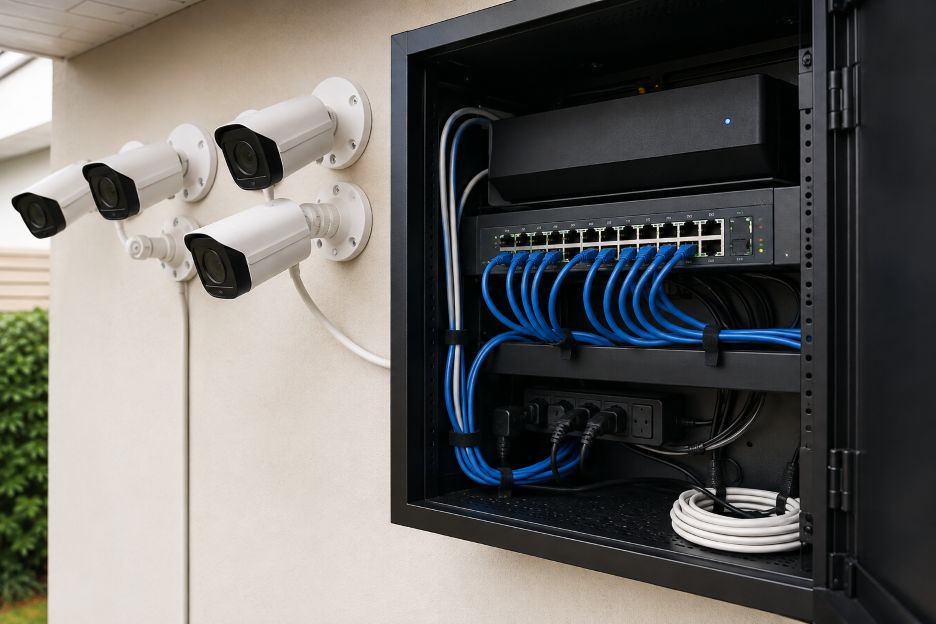
A modern CCTV system has four core components: cameras, a network video recorder, network switches, and cabling. The cabling carries data and, in many systems, electrical power. Each component has a distinct role, but reliability depends on how well they work together.
For homeowners considering CCTV installation Peterborough, understanding the hardware is important. Camera count alone does not determine the quality of a security system. Other factors also affect performance. These include resolution, storage capacity, network bandwidth, power availability, cable routes, and recorder compatibility. Together, they determine how effectively the system captures and retains footage.
Cameras Are the Starting Point
Network, or IP, cameras turn images into digital video that can travel across an Ethernet network. Unlike traditional analogue cameras that send video signals to a separate recorder for processing, IP cameras have computing hardware. They can encode video before transmitting it.
Axis Communications’ technical documentation shows network cameras use RJ45 Ethernet. They can receive Power over Ethernet, or PoE. Depending on the model, cameras may also support features such as microphones, digital inputs, alarms, motion detection, infrared illumination, or connections to external sensors.
Resolution is important, but it is only one factor when choosing cameras. Frame rate, lens characteristics, low-light performance, viewing angle, compression settings, and mounting position can all affect the usefulness of recorded footage. A very high-resolution camera placed at the wrong angle may provide less useful evidence than a carefully positioned lower-resolution unit.
What Does the NVR Actually Do?
The network video recorder, usually called an NVR, acts as the central recording point. It receives video streams from compatible IP cameras, manages recordings, and stores footage on internal hard drives or other supported storage devices.
An NVR may also provide the interface used to search recordings, configure schedules, manage users, and display several cameras simultaneously. Some recorders include built-in PoE ports, allowing cameras to connect directly to the recorder rather than through a separate switch.
Documentation from Axis Communications illustrates how recorder specifications can impose practical limits. Its AXIS Companion Recorder 4CH, for example, supports PoE for up to four cameras and has a defined total power budget. The example demonstrates why installers need to consider electrical demand as well as the number of available network ports.
Storage deserves similar attention. Higher resolutions, longer retention periods, higher frame rates, and continuous recording generally create more data. Video compression can reduce storage requirements, but property owners still need to plan capacity based on how they intend to use the system.
Why PoE Switches Matter
A PoE switch combines two jobs. It moves network traffic between connected devices while supplying electricity to compatible cameras through Ethernet cabling. That means one cable can provide both the data connection and power needed by a camera.
Technical guidance from Axis Communications explains that network cameras, wireless access points, and IP phones widely use PoE. Centralized power can simplify camera installation because installers do not necessarily need a separate electrical connection beside every camera.
There is an important limitation, however. A PoE switch has a finite power budget. Each connected camera consumes part of that capacity, and features such as heaters or infrared illumination can change power requirements. Current Axis guidance recommends accounting for maximum camera consumption and losses in Ethernet cabling when estimating the required power capacity.
This becomes particularly important in larger systems. Having enough physical ports does not automatically mean a switch has enough electrical capacity to operate every attached device under demanding conditions.
Cabling Is More Than a Connection
Ethernet cabling provides the physical path between cameras, switches, and recorders. Network installers commonly use Category 5e, Category 6, and related cable standards. However, they choose the appropriate cable based on network performance requirements, environmental conditions, distance, and equipment specifications.
Axis Communications notes that factors including cable quality, conductor thickness, connectors, and camera power consumption can influence performance. Its technical material also recommends a maximum conventional network cable distance of 100 meters between certain network components before installers consider specialized extension equipment.
Cable routing matters as well. Guidance published by Axis Communications on electrical surges recommends avoiding routes parallel to power lines where possible and discusses shielded cabling, grounding, and surge protection for installations exposed to electrical disturbances. Outdoor camera runs may require additional consideration because cables and devices can be exposed to weather and electrical surges.
How the Components Work Together
Once connected, the hardware forms a chain. A camera captures and processes an image. Ethernet carries its video data through a switch or directly to an NVR. The recorder receives and stores the stream, while the network provides access for authorized viewing devices.
A weakness anywhere in that chain can affect the overall result. Insufficient network capacity may interrupt streams, inadequate storage can shorten retention time, an undersized PoE supply can create power problems, and poor camera placement can leave important areas outside useful coverage. Similar considerations apply to computer hardware used in modern investigations, where the ability to process, store, and retrieve digital information can influence how effectively technical evidence is handled.
Cybersecurity also belongs in the hardware discussion because IP cameras and recorders are network-connected devices. The National Institute of Standards and Technology has emphasized the importance of understanding the expected network behavior of Internet of Things devices so appropriate access controls can be applied. Cameras and recorders should therefore be treated as network equipment rather than isolated appliances.
Hardware Planning Determines the Finished System
A dependable CCTV setup is ultimately a coordinated network of cameras, recording hardware, power equipment, storage, and cables. Choosing individual components without considering their combined requirements can lead to unnecessary limitations later, particularly when additional cameras or longer recording periods are required.
Professional security camera installation normally involves matching camera capabilities with suitable recording capacity, network infrastructure, PoE availability, and physical cable routes. Getting those fundamentals right creates a system that can capture, transport, store, and retrieve footage consistently, while leaving sensible room for future changes.
Tags: CCTV Systems, Security Cameras, Network Video Recorders, PoE Technology, Home Security
Image Prompts
1. Realistic editorial photograph of a modern home CCTV installation showing several IP security cameras connected to a network video recorder and PoE switch, Ethernet cables neatly organized in a small equipment cabinet, professional residential setting, natural lighting, no logos or readable text.
2. Realistic close-up photograph of a technician connecting Cat6 Ethernet cables to a PoE network switch beside a CCTV network video recorder, organized security equipment rack, detailed cabling visible, professional lighting, no logos or readable text.
3. Realistic editorial photograph of an outdoor IP security camera mounted on a British residential property, Ethernet cable being routed discreetly into the building by an installer, overcast natural daylight, realistic home-security setting, no logos or readable text.

 Democratization of technology has been all about making potent tools available to the masses. Consider the time when personal computers used to be a preserve of corporations, yet they were later found at home. The same thing is happening with Grillz. Nowadays, with the new methods of manufacturing, new materials, and global e-commerce, one can easily purchase grillz at a low price and at the same time not compromise the quality.

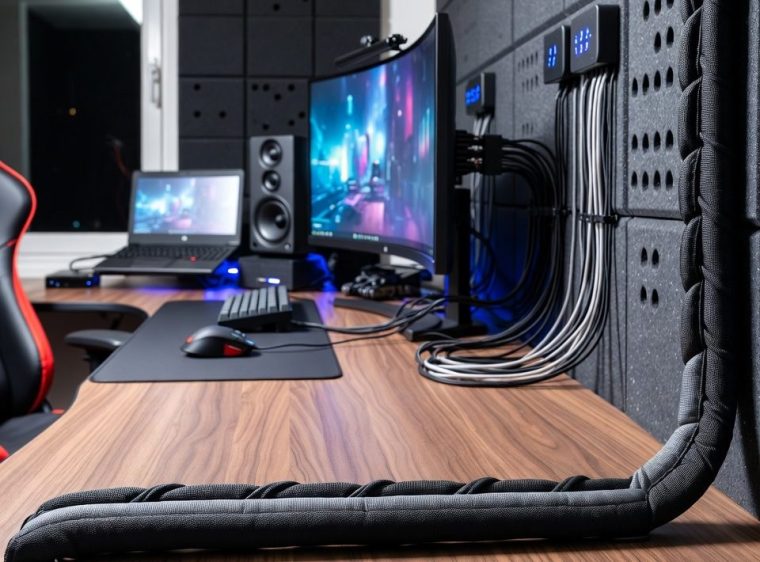
 When it comes to setting up your computer, one of the most crucial decisions you’ll make is choosing the right computer screen. Whether you’re a professional designer, a gamer, or a regular user, having a high-quality screen can greatly enhance your computing experience. But with so many options available, how do you make the right choice? Let’s dive into the world of computer screens and explore what factors you should consider to find the perfect match for your needs.
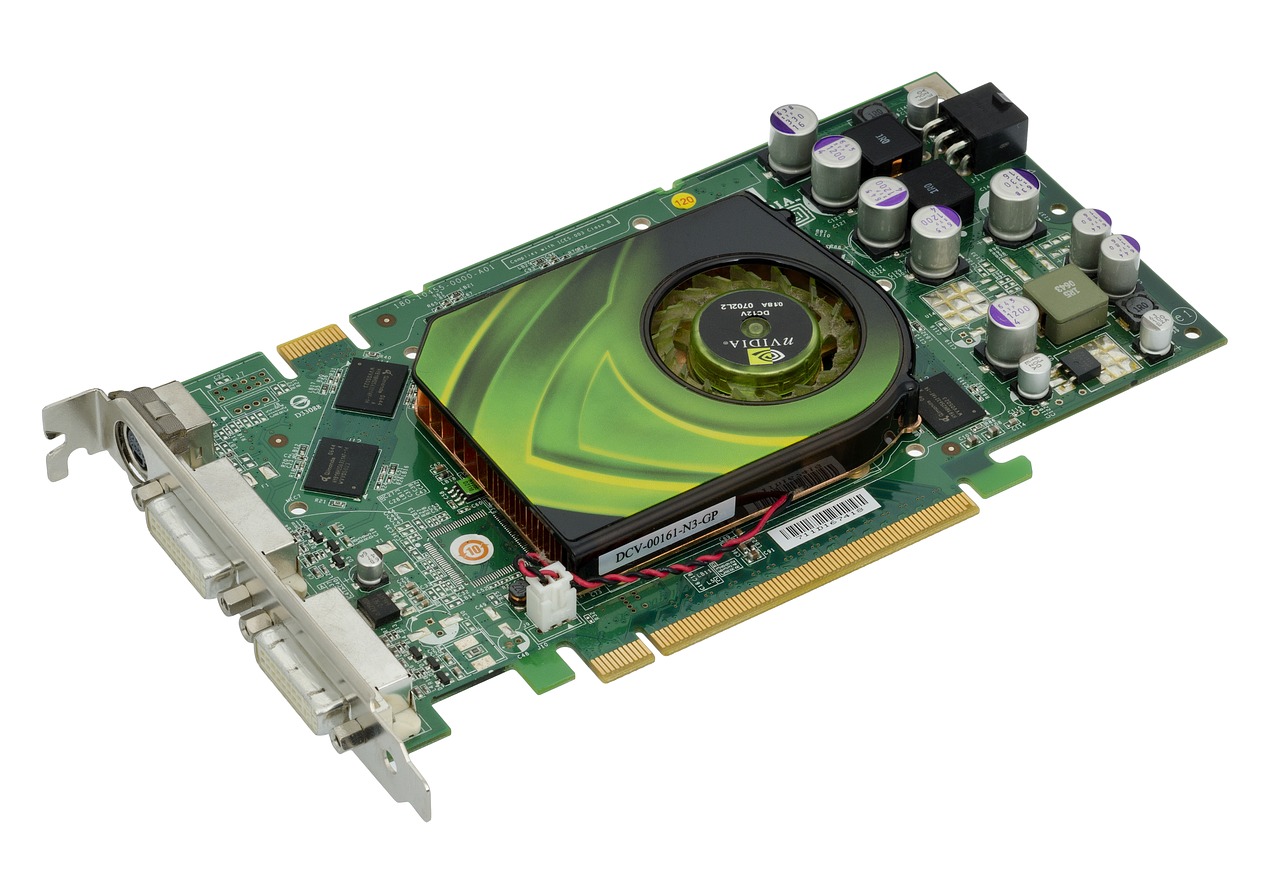
 Welcome to the dazzling world of graphics processing units (GPUs), where the power of pixels comes to life! These mighty components have revolutionized various fields, from gaming to artificial intelligence. Buckle up and prepare for a fun-filled ride through the incredible capabilities of GPUs.
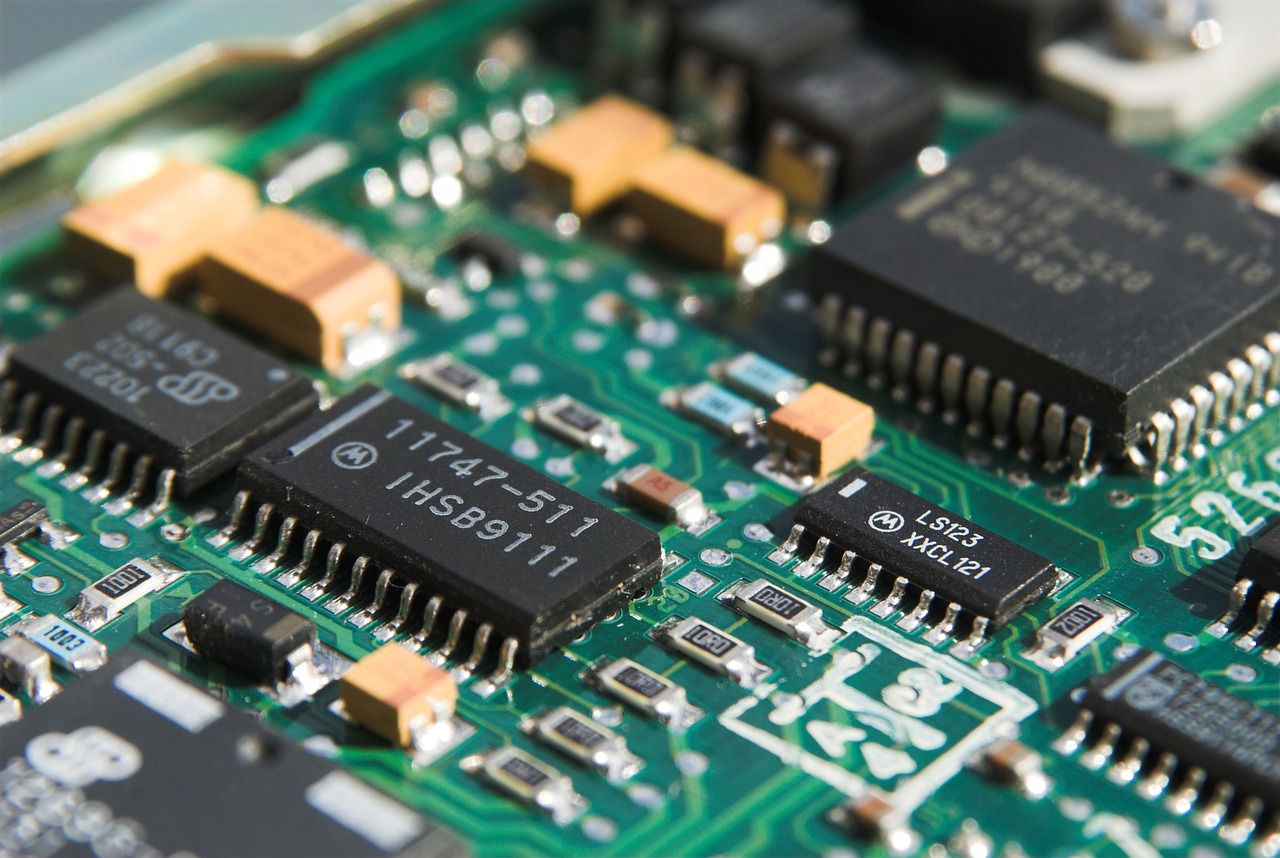
 Computers are essential in our daily lives and can be a source of frustration when they don’t work as expected. One of the most common reasons for computer problems is hardware issues. Whether it’s a power supply problem, overheating issue, hard drive failure, or a graphics card malfunction, there are a number of common hardware problems that can occur. In this article, we’ll go over some of the most common computer hardware problems and offer tips on how to troubleshoot them.
 Laptop batteries don’t last forever. And there are a few things you can do to ensure a more extended, healthier battery. Turn your laptop over and gently blow on your back for 10-15 minutes daily to keep it cool. Most people overlook these.
 A personal laptop is a smaller, portable version of a laptop that is conveniently sized to fit in one’s hand, purse, or briefcase. It often has a more straightforward design and is priced lower than a laptop.
 A ‘corrupted hard drive’ error message is enough to panic the general public. It doesn’t necessarily mean that each one is lost, however. With the correct tools and expertise, you’ll recover data from a corrupted Winchester drive (HD). During this article, we’ll undergo the steps you’ll have to fancy rescue your files.



 Towing is among the industries. This may come in the picture of years before but today organizations are currently utilizing technologies to make them function quicker, better, and more economical. Firms may be missing out to grow. Here are how towing businesses are progressing with technologies.

 Here is the initial kind of motherboard created also it measures 11″ long and 12″ wide. It experienced plenty of issues in peripheral installation and troubleshooting whilst the general style is so bad. Its convenience is bad as well because the drive bays are mounted above the motherboard.
 Windows 10 installation should be quick and easy with the instructions that Microsoft has given. If you encounter issues while installing, it could be a hardware issue.
 In order to have it working again, there a few things you want to check.
 Other reports say spending more than 5 hours a day in front of the computer screen causes lack of sleep, lowers a person’s ability to interact with others as opposed to interaction in social media. While we thought that social media can be healthy, it can otherwise lower a child’s self esteem.
 Leather or synthetic weaves are the best materials to be used for footwear like Israeli shoes. These materials allow the passage of air which results in outward movement of moisture and heat from the foot.
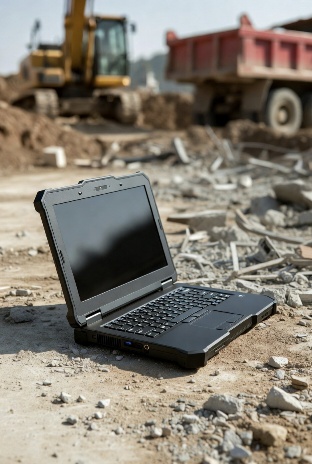
 Private investigators no longer rely only on surveillance and interviews. Technology plays a big role in private investigations, and at the center of it all is computer hardware. From desktop towers to portable drives, reliable hardware helps private investigators collect, store, and analyze digital evidence.



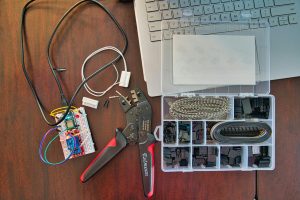
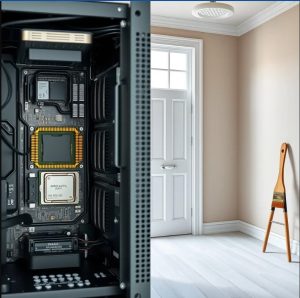 When you think about computer hardware and interiorpainter Calgary, they might seem worlds apart. However, both are essential in their fields—one keeps your computer running smoothly, while the other transforms your living space. Let’s break down the basics of each to help you understand how they work and why they are important.

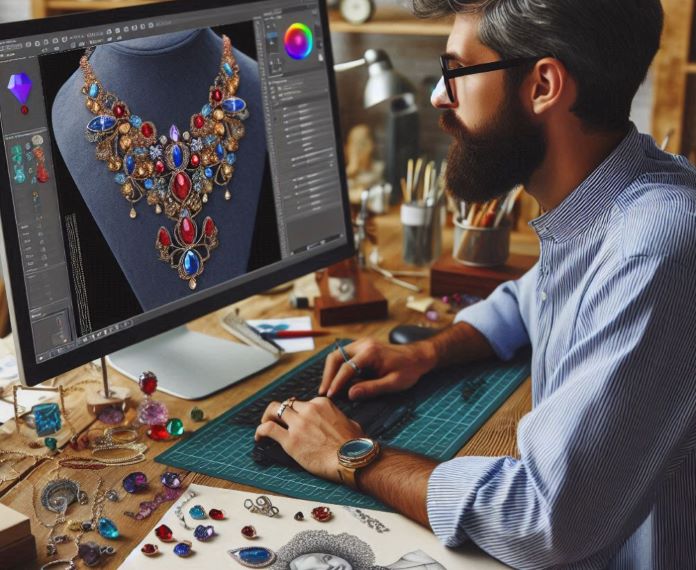
 The kitchen remains the heart of the home, but it has transformed significantly with the advent of technology. Smart kitchens, equipped with the latest technological innovations, are not just about cooking;

 The Benefits of Integrating Computer Hardware in Your Kitchen





 Guest posting has become a powerful tool for individuals and businesses alike to expand their online presence and connect with new audiences. However, it’s crucial to leverage the power of data analytics to ensure the best results from guest posting campaigns. This article will explore how data analytics tools and platforms can revolutionize your guest posting efforts, leading to enhanced outreach strategies and measurable success.